
VIP member
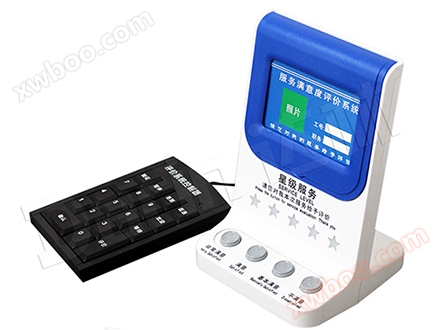
Cloud Evaluator
Cloud Evaluator 1. Product Overview Cloud Evaluator is a special device used to collect customers' comments on the service quality of window service p
Product details
Cloud Evaluator
1、 Product OverviewThe cloud evaluator is a special device used to collect customers' comments on the service quality of window service personnel. It uses the latest NBIOT and cloud computing technology. It does not need a local computer, WIFI, or network cable in the place of use. The equipment can automatically access the Internet when connected to the power supply. The evaluator can work independently; All evaluation content is stored in the cloud and supports downloading and printing of cloud reports.
The evaluator, in conjunction with the evaluation trigger device/software and cloud evaluation system management software, can comprehensively query and dynamically analyze the service quality of window service personnel. At the same time, it can also real-time calculate customer traffic and business volume, and comprehensively analyze the data to provide effective decision-making basis.
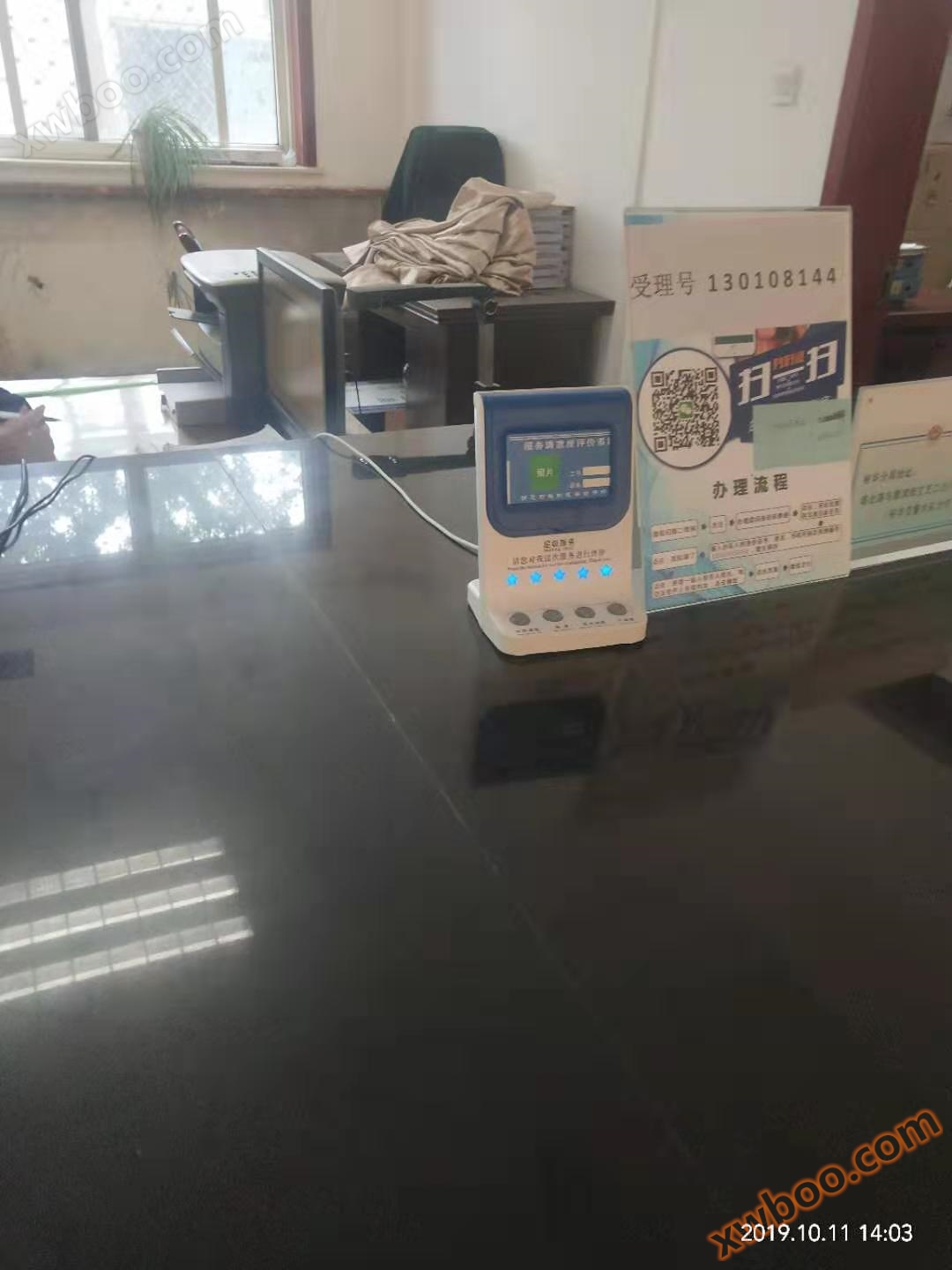
Cloud evaluators can be widely used in external public service window departments such as banks, hospitals, communications, public security, customs, taxation, industry and commerce, and government service halls. They can also be used in various service industries such as hotels and guesthouses; Can be used in mobile environments such as car reviews, restaurant reviews, beauty reviews, etc.
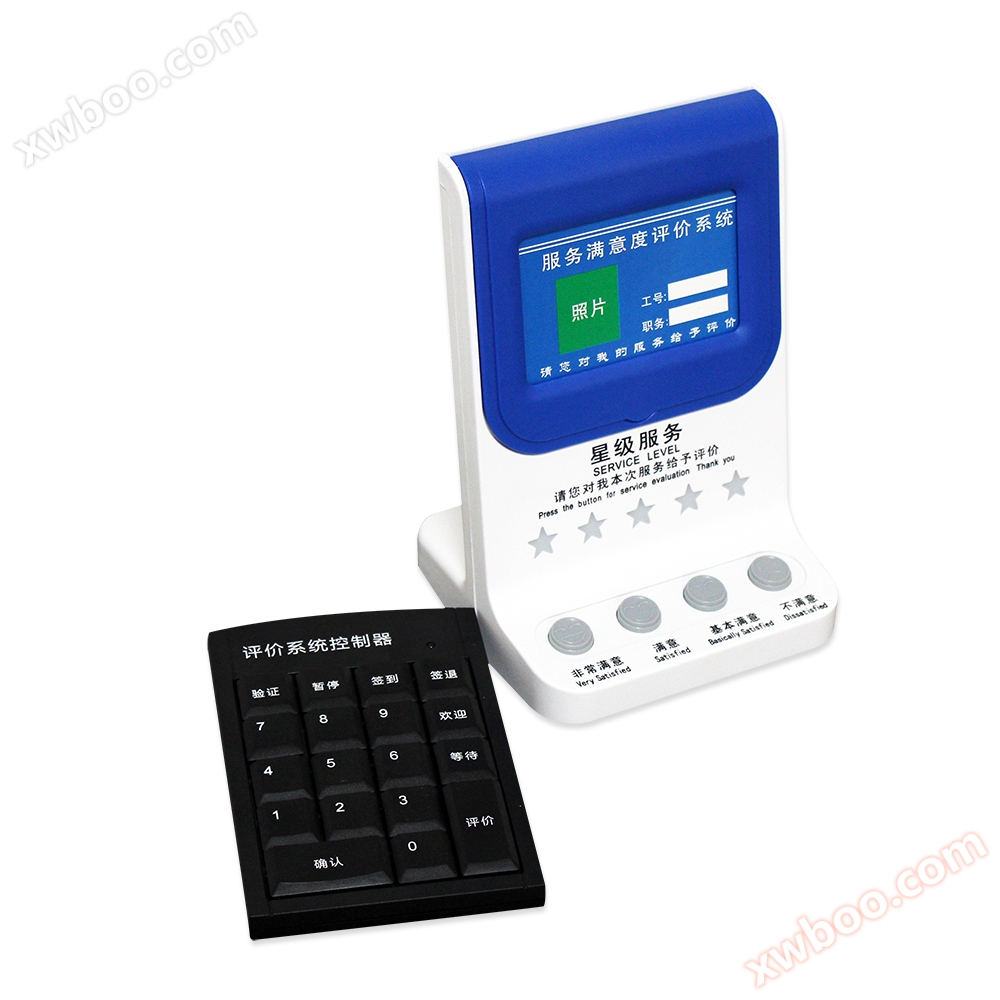
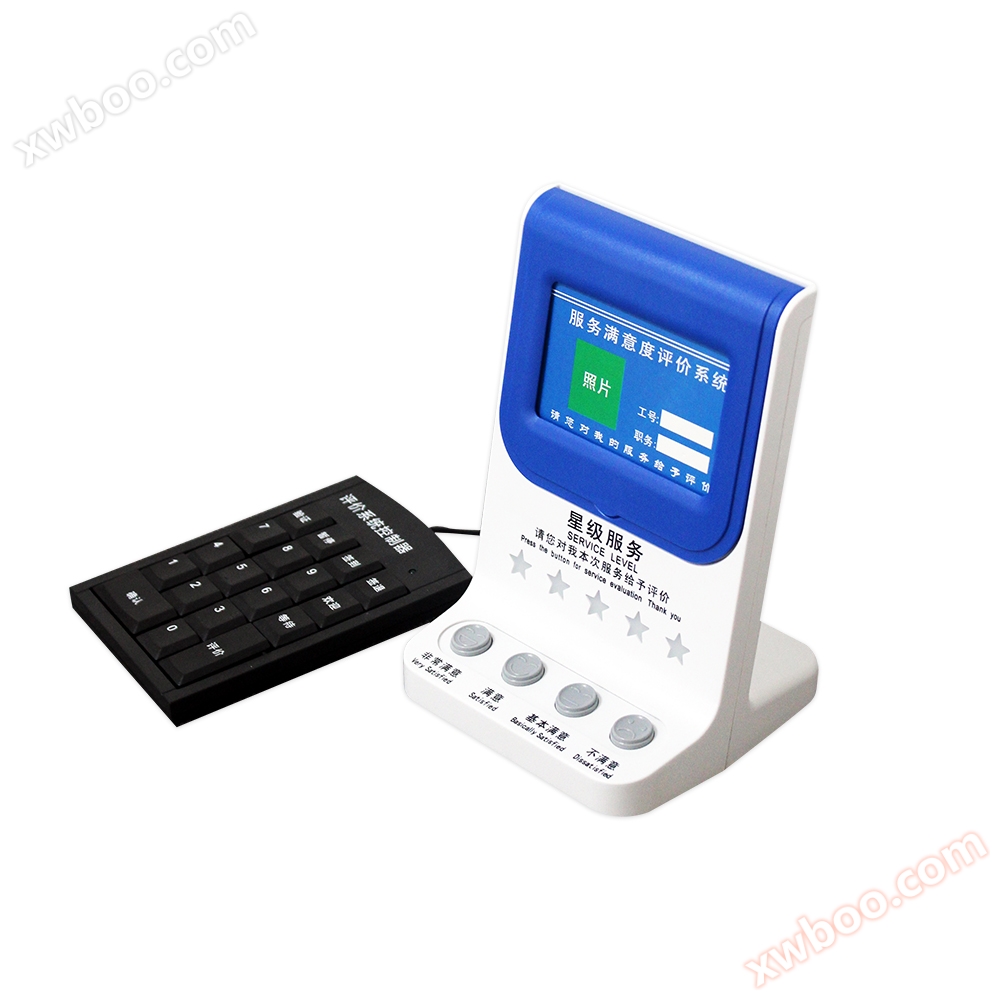
2、 Product rendering
3、 Functional Features
(1) TheSystem functions
1. Data monitoring2. Evaluation Report: Evaluation Analysis, Department Summary, Individual Summary, Department Details, Negative Evaluation Details
3. System management: equipment management, organizational management, personnel management
4. Information Release
5. Terminal interface
6. Account configuration
7. Usage Help: Concise Manual, Instructions for Use
(2) TheInstitutional Management
Add, modify, delete, and migrate departments in the cloud evaluation system.
(3) Personnelmanagement
1. Administrators of cloud evaluation systems add, modify, delete, migrate departments, and reset passwords.2. Employee addition, modification, deletion, and department migration in the cloud evaluation system.
(IV)Equipment management and monitoring
The addition, modification, deletion, department migration, and location testing of cloud evaluators.(V)Evaluation data statistics and viewing
Evaluate data statistics report output and display in various ways.1. Departmental evaluation data analysis daily report, weekly report, monthly report, quarterly report, annual report and chart display.
2. Department evaluation data summary daily report, weekly report, monthly report, quarterly report, annual report and chart display.
3. Personal evaluation data summary daily report, weekly report, monthly report, quarterly report, annual report and chart display.
4. Query of department evaluation data details.
5. Query the detailed data of departmental negative reviews.
6. Export evaluation data reports and charts.
7. Print evaluation data report.
(6) Data monitoring andNegative review reminder
1. View real-time evaluation data details, evaluator status, and real-time evaluation data statistics.
2. Real time reminder of negative reviews.
(7) Information Release
Multimedia evaluator advertising material addition, deletion, and publishing management; Add and publish text notification information content.(8)Terminal interface
Selection, configuration, and publishing of multimedia evaluator evaluation interface; Interactive button content selection and publishing.(9) Account configuration
1. Modify the name and nickname of the current administrator. Super administrators cannot make modifications.2. Change the login password of the current administrator.
3. Modify and view system evaluation parameter settings.
4、 Product parameters
| Model: DL-PJ-4Y | Power consumption:<200mW |
| Power supply: DC+5V | Antenna: Built in hidden type |
| Star rating: 5 blue LED pentagrams display | Tip: Beautiful Girl Voice Prompt |
| Shell material: Imported ABS engineering plastic | Evaluator size: height 175 * width 120 * thickness 111mm |
| Working environment: Temperature -10 ℃, humidity 10% -85% RH | |
| Storage environment: Temperature -20 ℃~60 ℃, humidity 5% -95% RH | |
| Button: 'Very satisfied', 'satisfied', 'basically satisfied', 'dissatisfied', a total of 4 wear-resistant mechanical buttons with expressions | |
|
Ф evaluator is connected to the power supply and automatically connected to the Internet in about 30 seconds (voice prompt) Accessing the evaluation cloud space through the management website and registering an account Bind the evaluator, enter necessary information, and start using it Except for registering an account, all other configuration tasks can be assisted by customer service personnel in the cloud |
|
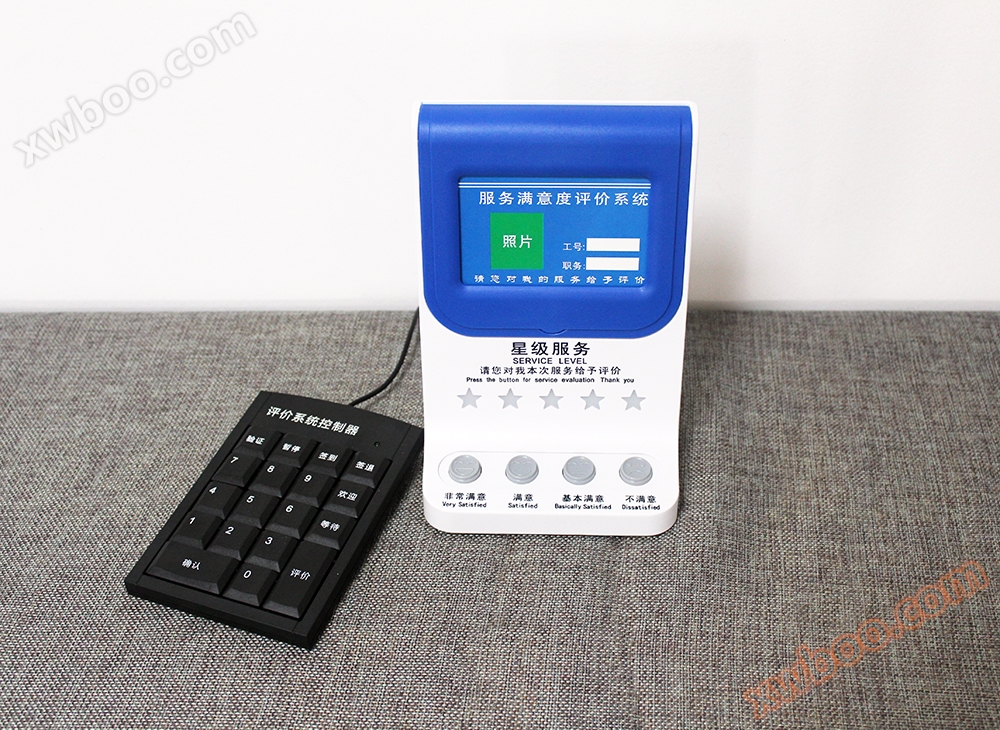
5、 Product real-life photos
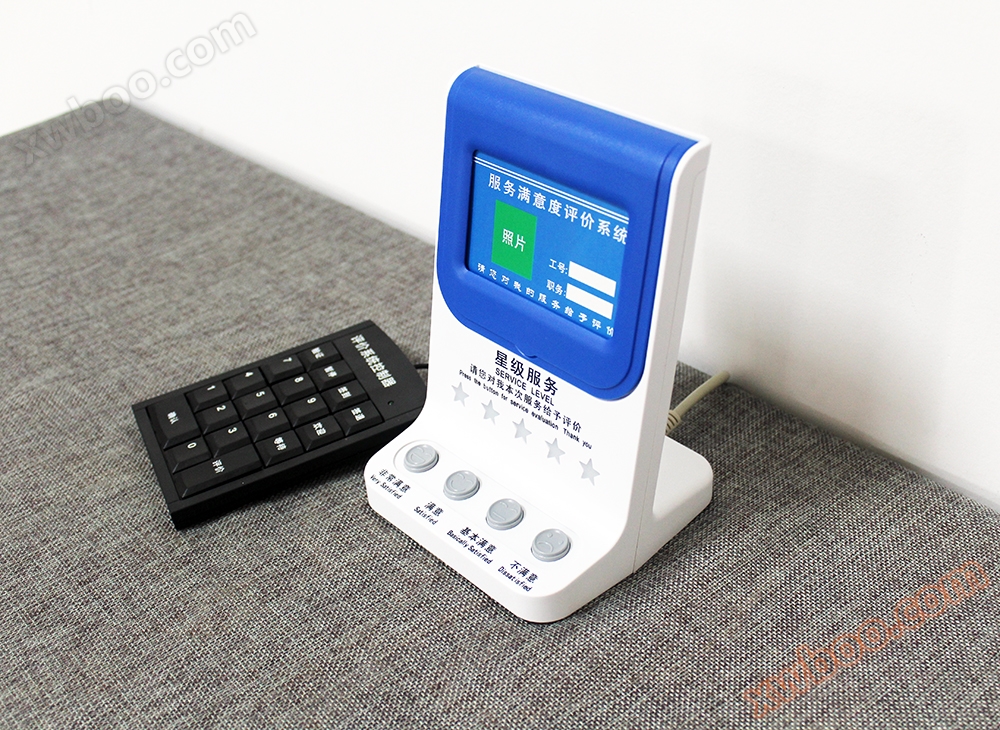
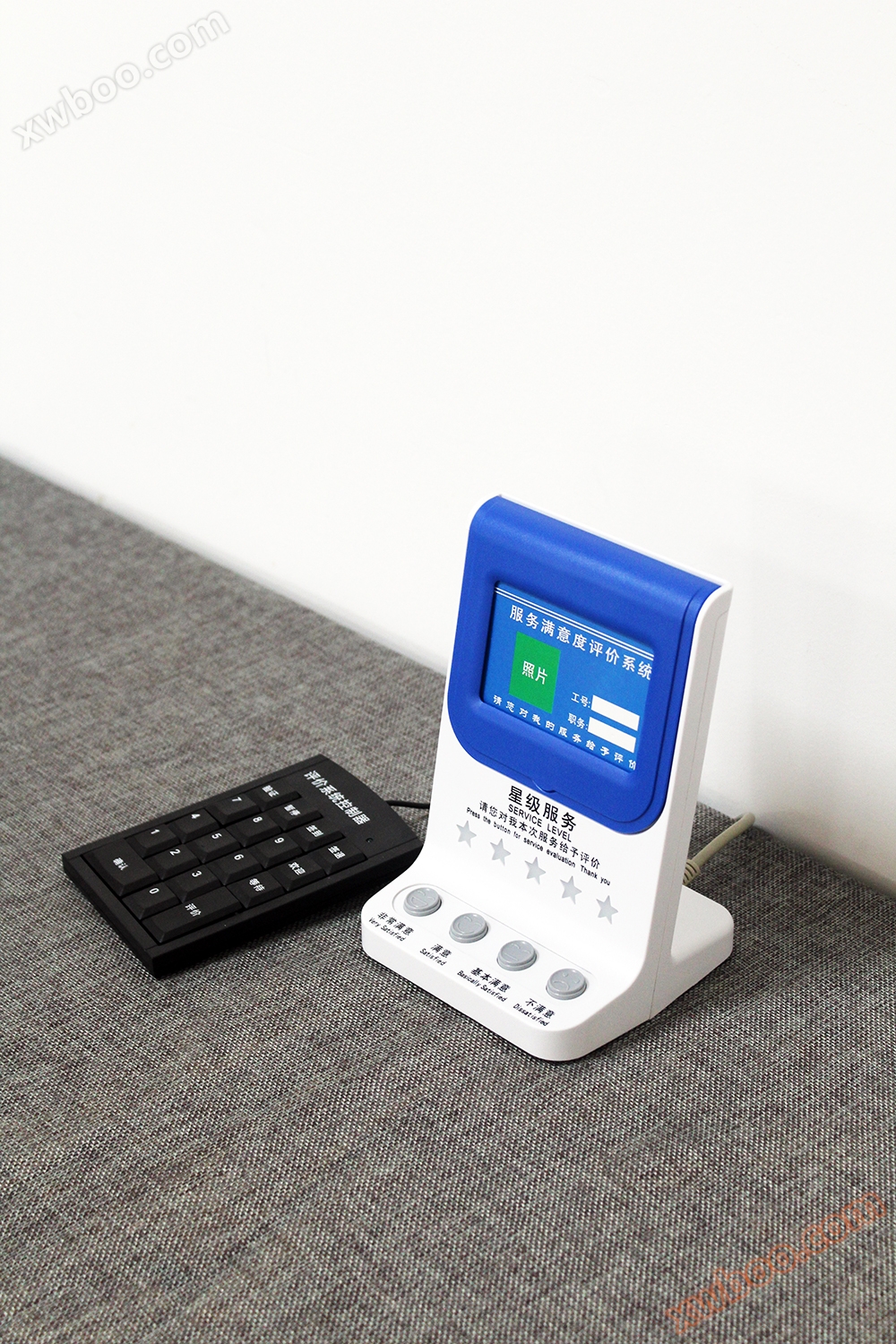
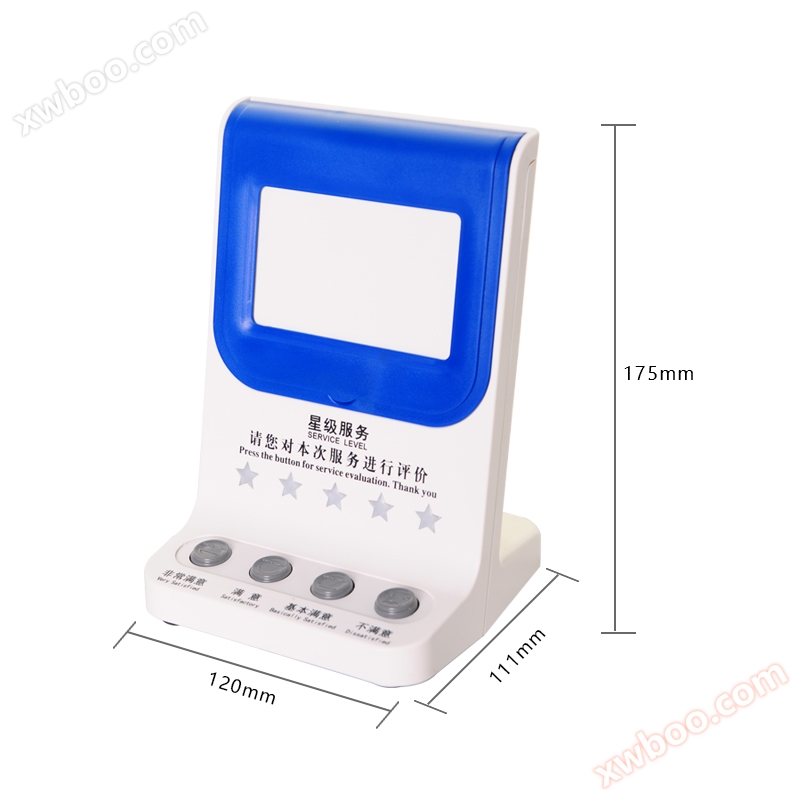
6、 Application Cases
Online inquiry
-
Contacts
-
Company
-
Telephone
-
Email
-
WeChat
-
Verification Code
-
Message Content
-